The screenshot function captures the current screen in full and saves the bitmap file (.BMP) to your USB drive, allowing you to share it with others.
In the system settings, click <Start Screenshot>, and it will automatically take a screenshot after a 10-second delay, giving you time to navigate to the page you want to capture.
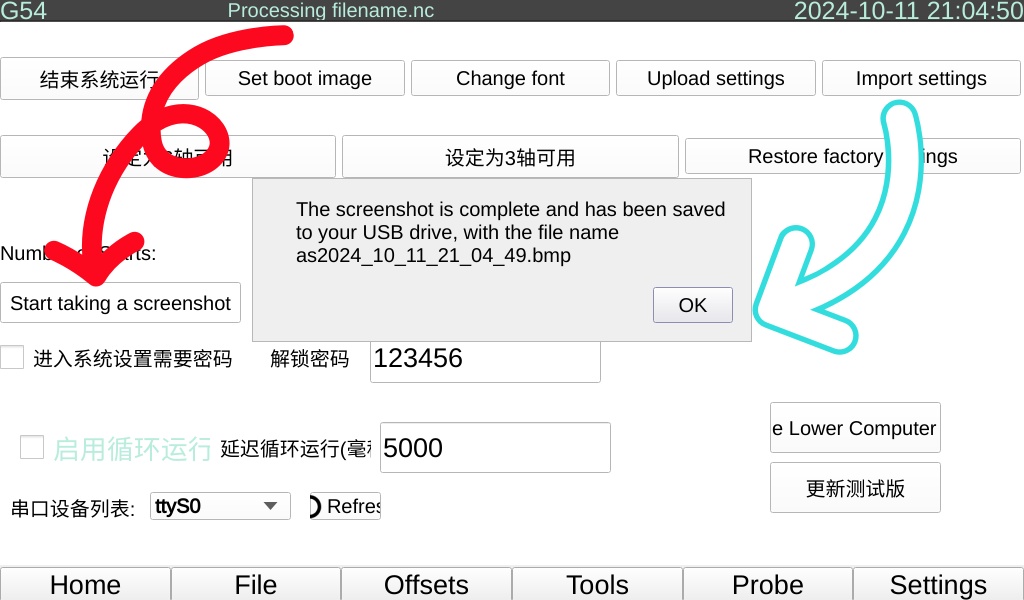
⭐: The screenshot file is saved to your USB drive, so you need to insert the USB drive.
⭐: The file is named with the current time + .BMP and is stored in the root directory of your USB drive.


